
How it works · Greenwich, London
From first idea
to a clear shoot day.
Hiring a studio should be straightforward. Here is how to choose your setup, request availability, agree the details and arrive ready to shoot at Cineview Studios.

How booking works
Six steps. One clear plan.
Tell us what you are making.
Send your preferred dates, hours, shoot type, crew size, background and references. Include vehicles, large props, sound recording, unusual rigging or effects. A clear brief helps us recommend a useful setup.
Choose duration and support.
Compare half-day, full-day, multiple-day and long-term hire. Decide whether you will bring your own equipment or want an agreed wet-hire package. Allow for loading, setup and pack-down.
Check availability and the quote.
The team will confirm available dates and put the package in writing. Review the studio setup, preparation, equipment, support, hours and total cost. An enquiry is not a confirmed booking.
Confirm the booking.
Full payment of the agreed hire charges is required to secure your booking. Review the current booking terms before paying and keep the written confirmation with your production schedule. Additional charges incurred during hire are settled at the end of the session.
Prepare the crew and the space.
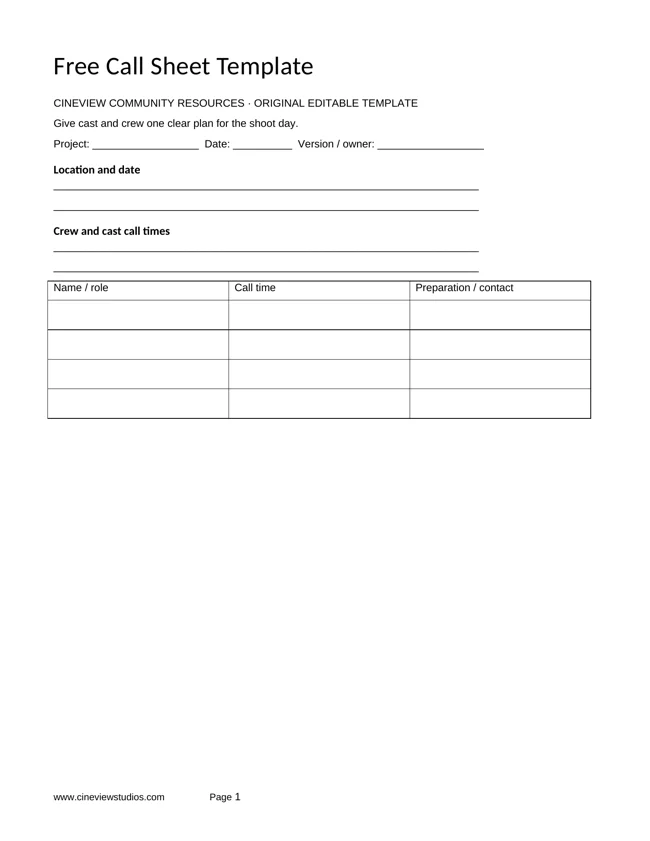
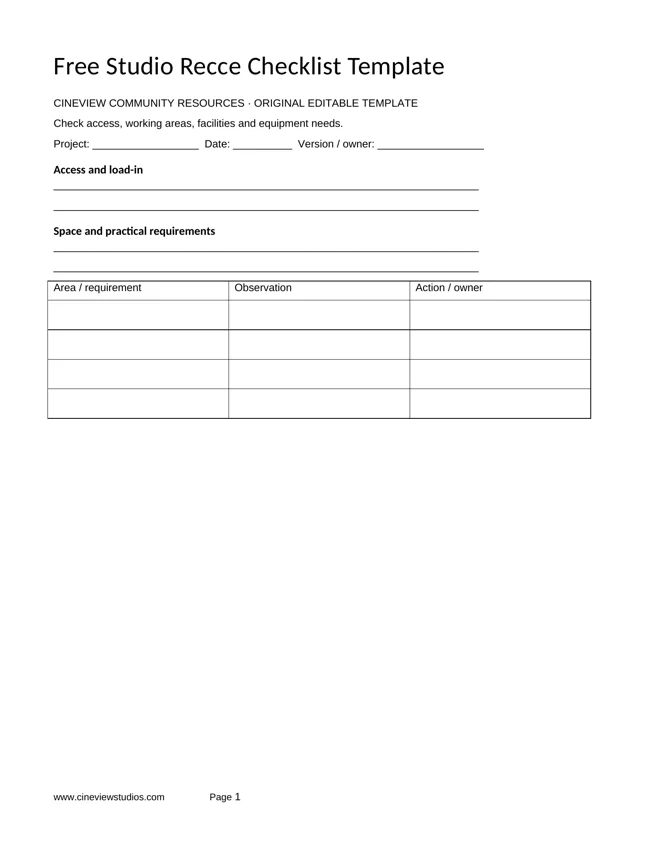
Confirm your equipment needs, arrival contact, vehicle details and any studio preparation you want to discuss. Shot lists and call sheets are optional; you are welcome to share them if helpful. Arrange a recce or technical test for a complex set, sound, rig or virtual-production shoot.
Arrive, shoot and wrap.
Use the agreed arrival time and loading route. Work within your booked hours, speak to the team if the plan changes, and allow time to pack down, reset the space and load out.
Your time and your setup
Make two choices.
| Your booking | Half-day | Full-day | Multiple days | Long-term |
|---|---|---|---|---|
| Time in the studio | 4–5 hours | 8, 10 or 12 hours | Consecutive days | Weeks or months |
| A good fit | A focused brief, one main setup or a pre-light session. | Multiple looks, lighting changes or a complete production day. | Build, pre-light and shoot over a planned production block. | An extended production base or a recurring content programme. |
| Plan for | A tight shot list and a simple changeover. | Setup, breaks, shooting and final pack-down. | Build, lighting, shoot days and reset. | Access, working days, set retention and review dates. |
| Before you book | Agree the exact slot and whether 4 or 5 hours fits. | Choose and confirm your daily start and finish times. | Agree overnight arrangements and access between days. | Agree the full schedule, storage and longer-term terms. |
| Explore | Half-day hire ↗ | Full-day hire ↗ | Multiple days hire ↗ | Long-term hire ↗ |
Duration and equipment are separate choices. Combine your booking with dry hire or an agreed wet-hire package. Include load-in, setup and pack-down in the hours you request; exact access and inclusions are confirmed in your quote.
Dry hire
The studio space for your own equipment, crew and workflow. Bring your own kit with no additional charge for doing so.
Explore dry hire ↗Wet hire
Studio hire with a selected equipment and support package. Agree the lighting, grip and crew roles your production needs before the day.
Explore wet hire ↗Help us help you
What to include in your enquiry.

The creative brief
Shoot type, references, required background, shot count, talent and deliverables.

The production details
Dates, hours, crew size, equipment, power, sound, access and support requirements.

The preparation
Cove painting, a set build, large props, vehicles, pre-light, content files or technical tests.
Your shoot-day checklist
Before the crew arrives.
- Share the studio address and directions with your team.
- Confirm parking, unloading and the size of any vehicle or large item.
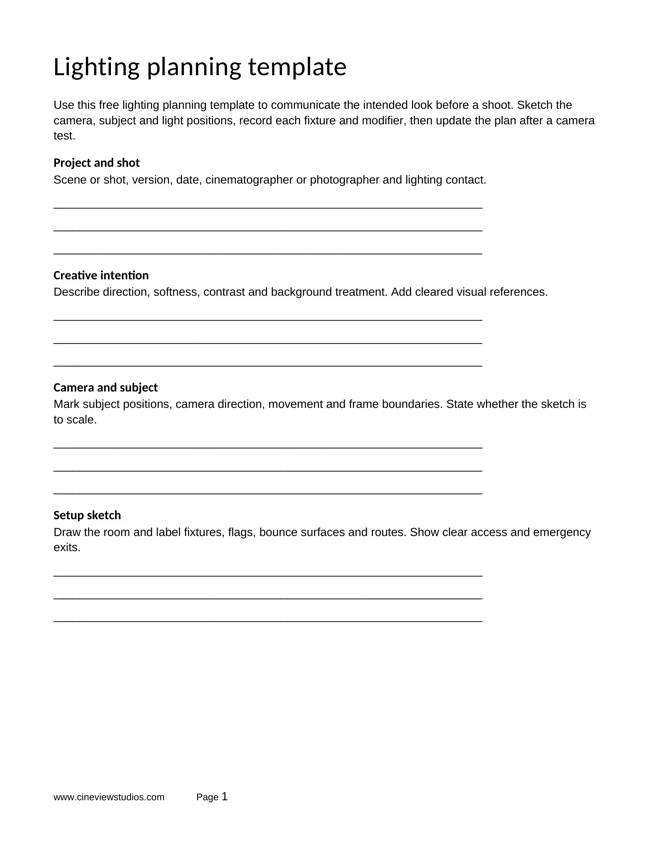
- Confirm the equipment list, lighting plan and who operates each part of the setup.
- Schedule hair, make-up, wardrobe and client arrival around your shot list.
- Keep time for unloading, building, checks, breaks, pack-down and reset.
Not sure what you need?
Send the idea and the questions you already have. The studio team can help you turn them into a practical booking.
Studio specifications
Check the space before the schedule.
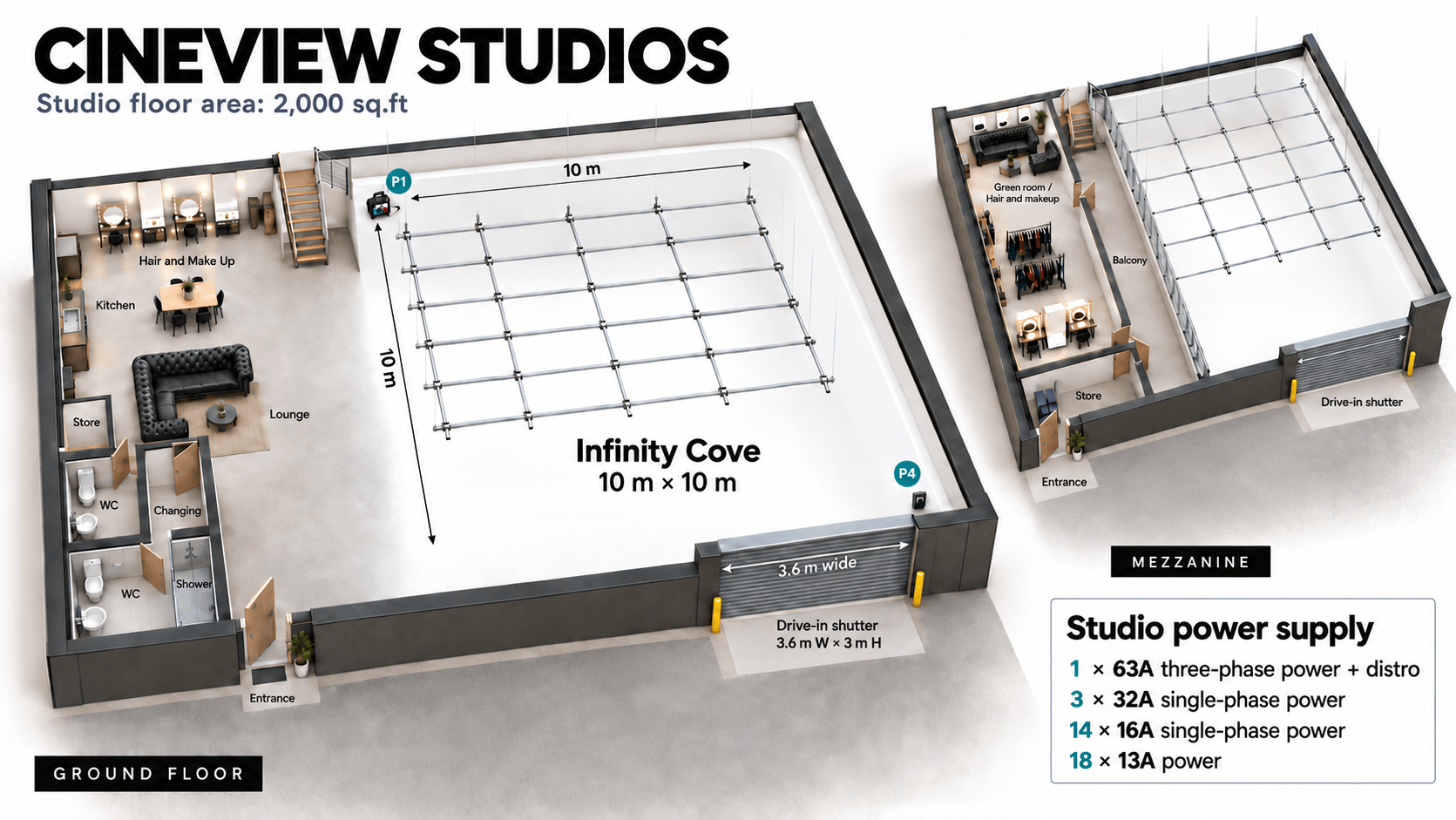
| Studio footprint | 2,000 sq ft |
|---|---|
| Ceiling height | 5.8m |
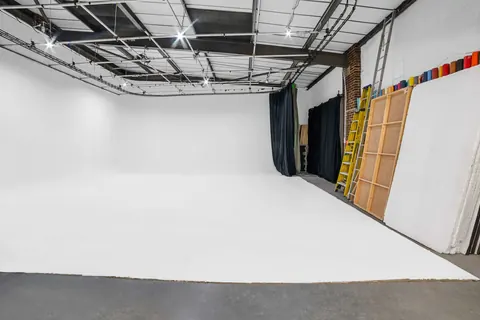
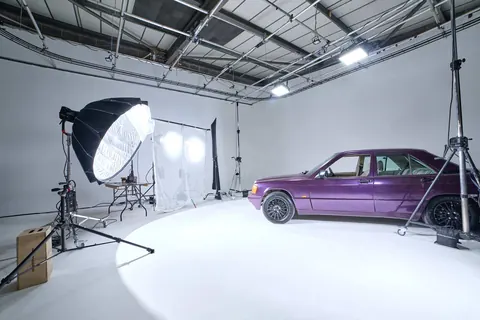
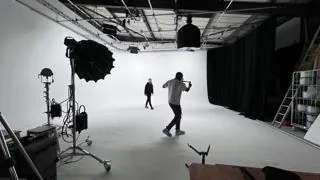
| Infinity cove studio | 10m × 10m, L-shaped; fresh and custom-colour preparation available |
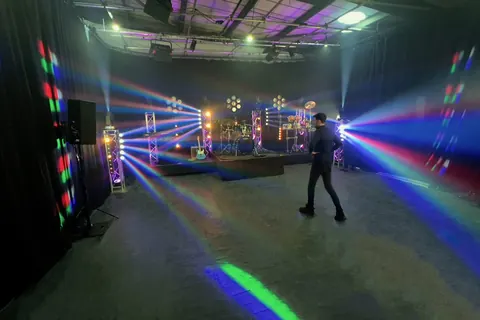
| Blackout | 10m × 10m area with 360° draping |
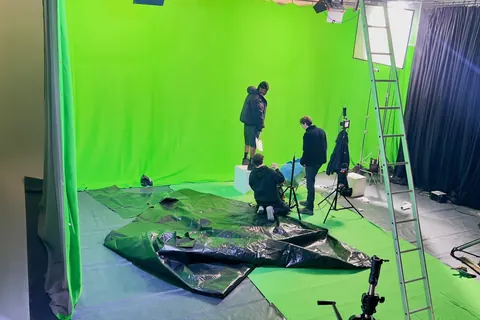
| Green screen studio | Background pre-lit for every green-screen booking; confirm coverage for your shot list |
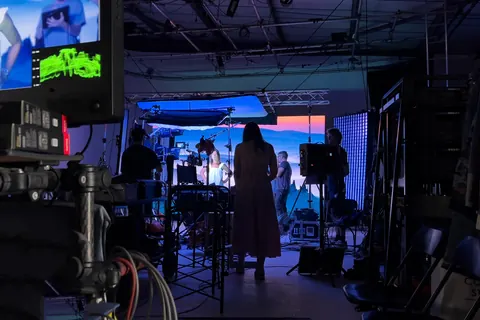
| Virtual production studio | 4.5m × 2.5m LED wall; specialist setup quoted for the production |
| Access | Ground-floor drive-in shutter: 3.6m wide × 3m high; vehicle suitability checked before booking |
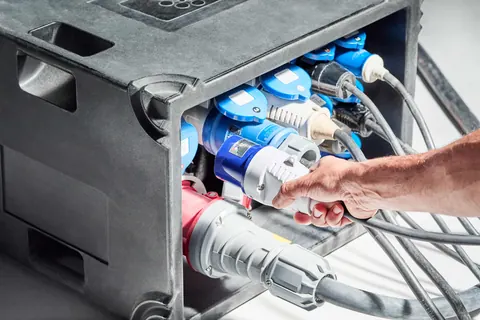
| Power | 63A three-phase; 32A, 16A and 13A connections |
| Rigging | Overhead lighting grid; agree loads, fixtures and access |
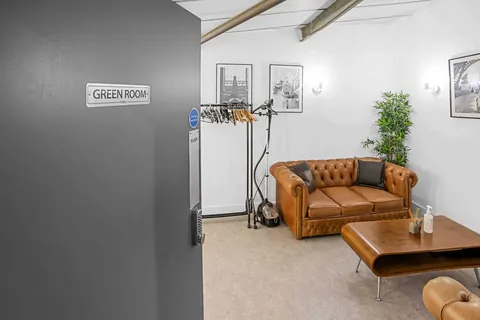
| Crew facilities | Five make-up stations, green room, changing space, kitchen, Wi-Fi, toilets and shower |
| Arrival | Free on-site parking; confirm vehicle numbers and timings |
| Location | Unit 4, 70 Norman Road, Greenwich, London SE10 9QE |
Choose the setup for your booking. Background changes, cove painting, equipment, VP and crew requirements are agreed in the quote. Send unusual access, sound, rigging or effects requirements in advance.
Floor plan
Your questions
Useful answers before you book.
Does sending the form confirm my booking?
No. The form starts the enquiry. The studio team checks availability, discusses your requirements and sends the next steps to confirm your booking.
How do payment, changes and cancellation work?
Review the current terms and conditions and the terms supplied with your quote. Full payment is required to secure the booking; deposit payments do not secure a booking. Ask about any changes before confirming.
What if the shoot runs over?
Speak to the studio as early as possible. Additional time depends on availability and the agreed cost; a later booking may prevent an extension.
When should we book a recce or technical test?
Arrange one early if you have a vehicle, large set, complex rig, critical sound requirements or a virtual-production workflow. It helps confirm suitability before the production schedule is fixed.
Can I bring my own equipment?
Yes. You can bring your own kit with no extra charge for doing so. Ground-floor shutter access makes loading easier. Send large-item dimensions and power requirements before the day.
Cineview also has over 400 items of equipment in house. Hiring suitable kit from the studio can save time and transport costs. Explore our equipment list and contact us with your equipment requirements to confirm availability and prices.
Are dogs and children welcome?
Yes. Dogs and children are welcome, and Cineview is a dog-friendly studio. Please contact us before bringing dogs so we can discuss the practical arrangements for your booking.
Do clients need insurance?
Client insurance is not required unless the work involves fire or water. Contact us before booking any fire or water activity to discuss the necessary cover and practical arrangements.
Do we need to send shot lists or call sheets?
No. Shot lists and call sheets are optional; you do not need to send them before shoot day. You are welcome to share them if they will help the studio team support your plans.
Is studio hire suitable for a first-time user?
Yes. Tell us your brief, experience and what help you need. We can discuss the right duration, equipment and support before you book.